E-Skrins services

Greetings! I am Eva Skrinskas, the founder and creator of the website www.poliishi.lv.

I work in various areas of graphic design, combining creative ideas with modern technologies. In my daily work, I use professional software such as CorelDRAW and Corel PHOTO-PAINT, as well as artificial intelligence tools that allow me to create unique and visually striking designs. My work covers a wide range of creative fields. I develop print designs for clothing, tiles, interior applications, and other materials, tailoring each design to the client's needs and preferences. In addition to graphic design, I also specialise in creating visualisations. I can create product visualisations (showing products in different environments) using either actual product photographs or mockups when no real product photography is available. I also use the resulting images to generate videos.

I create a wide range of visual content for online platforms – from website layouts, advertising materials, and product photo editing to writing product descriptions, translating texts into Latvian, English, and Russian, and creating social media posts and short-form videos.

The website www.poliishi.lv is entirely my own work, as are the VS-Audio social media accounts:

Graphic Design

 Photo Editing

I edit photographs using both Corel PHOTO-PAINT and artificial intelligence (AI) software.

Product Visualisation Creation – I start by isolating the main object from the original photograph, removing its background. Using AI tools, I then place the object in a different environment or composition, creating a new visual story and adding extra value to the product.

It is also possible to generate entirely new images featuring the isolated object, with carefully selected lighting, atmosphere, interior style, surrounding elements, and other visual parameters.

When creating product visualisations and generating videos, the actual physical product is not required – a so-called mockup, or visual prototype, is sufficient.

Photography

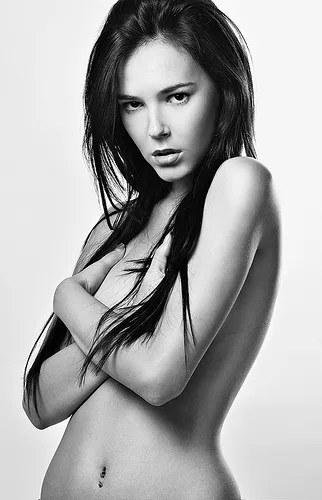
The original photograph used as the starting point for editing.

Graphic Design Development

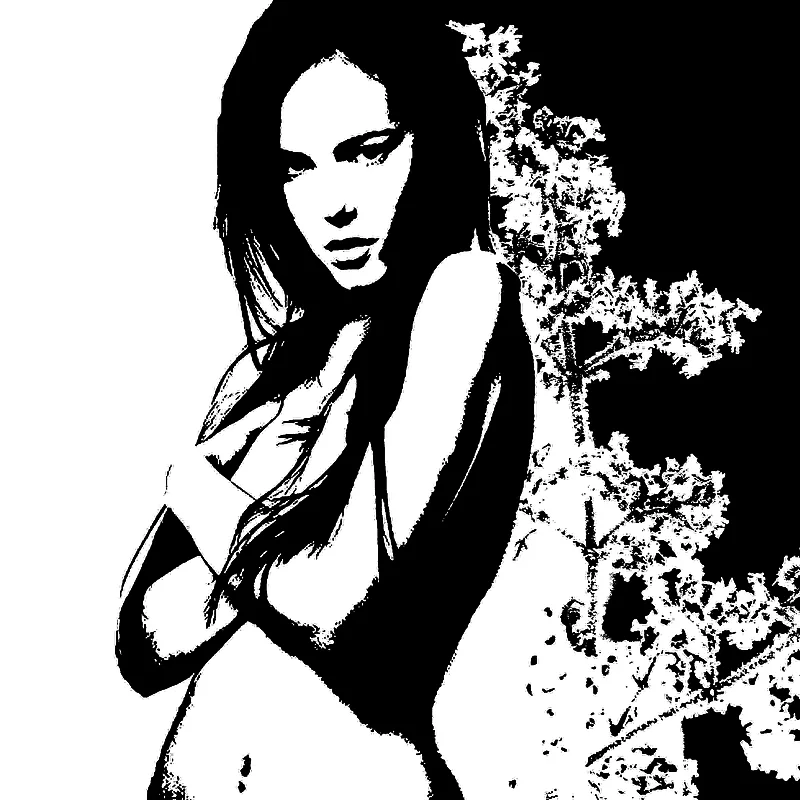
A composition created using photographs edited in Corel PHOTO-PAINT.

Product Creation

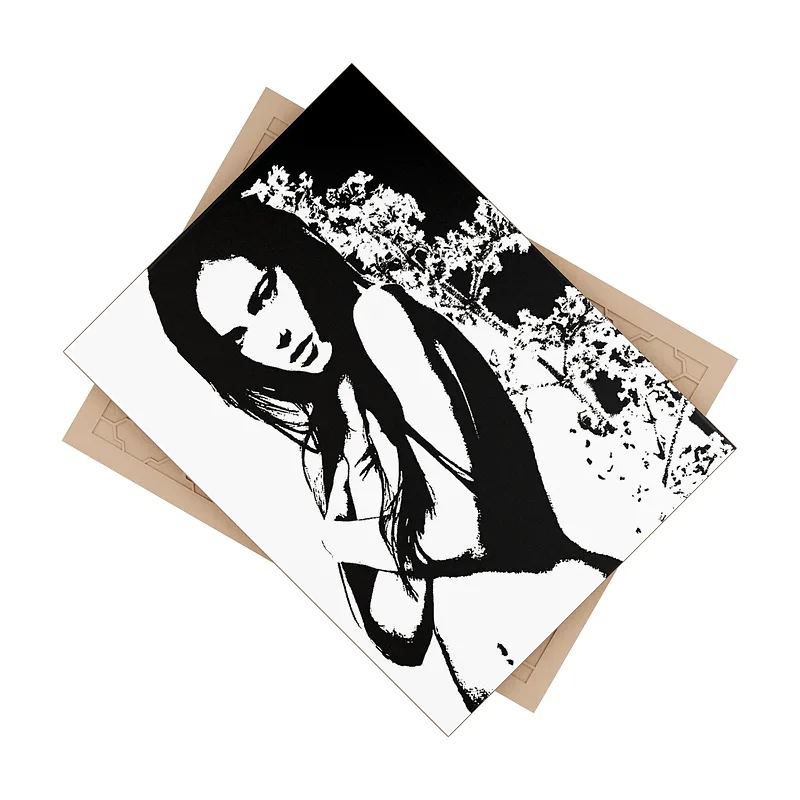
The graphic design is applied to create a product – in this case, a tile. This is not an actual product photograph, but only a mockup.

Visualisation

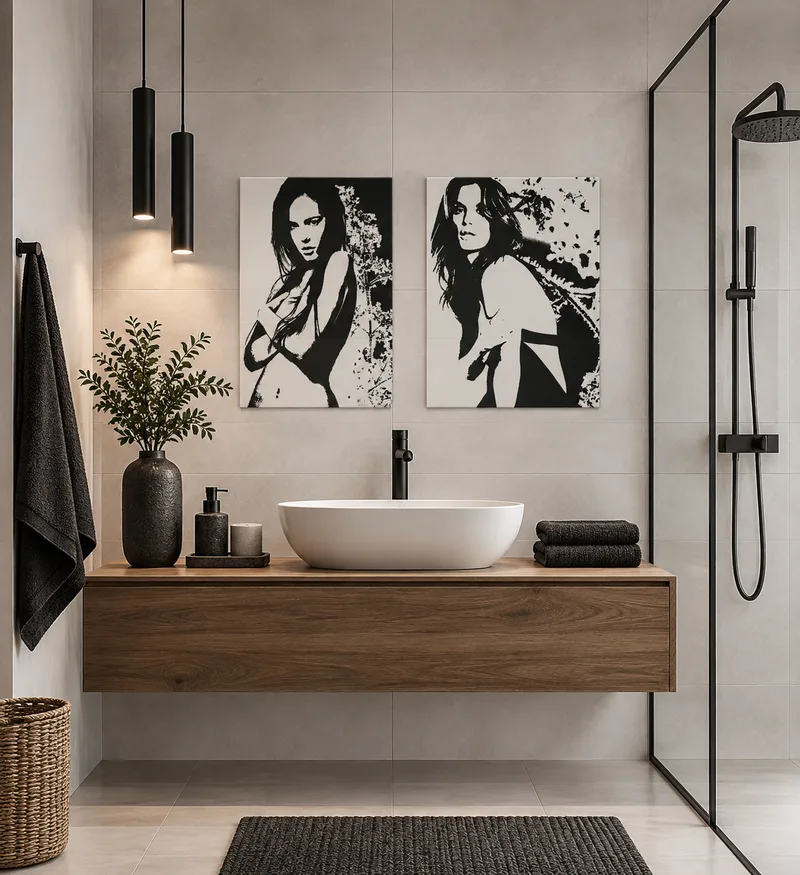
An AI-generated visualisation of the tile in an interior setting, created without an actual photograph of the physical product.

Video Generation

I also use the images created during the editing process for video production, allowing objects to be presented in a more dynamic way – for example, by adding movement, rotation, or contextual elements that cannot be fully conveyed through a still photograph. This makes visualisations more engaging and impactful, making them suitable for advertising, product presentations, websites, and social media content. Videos can be generated from any image, including an original photograph. Prior image editing is not required.

Digital Graphic Design

I create graphic designs using CorelDRAW, generate images with the help of artificial intelligence (AI), and also develop graphics from photographs by converting them into .svg files for further editing and refinement in CorelDRAW.

Graphic Design Development

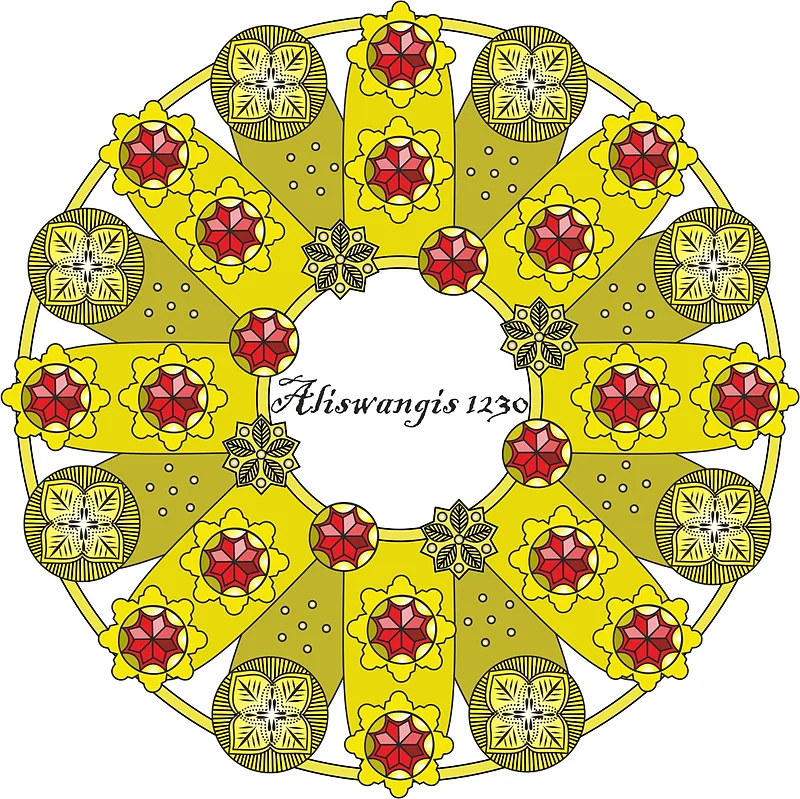
A graphic design created in CorelDRAW.

Product Creation

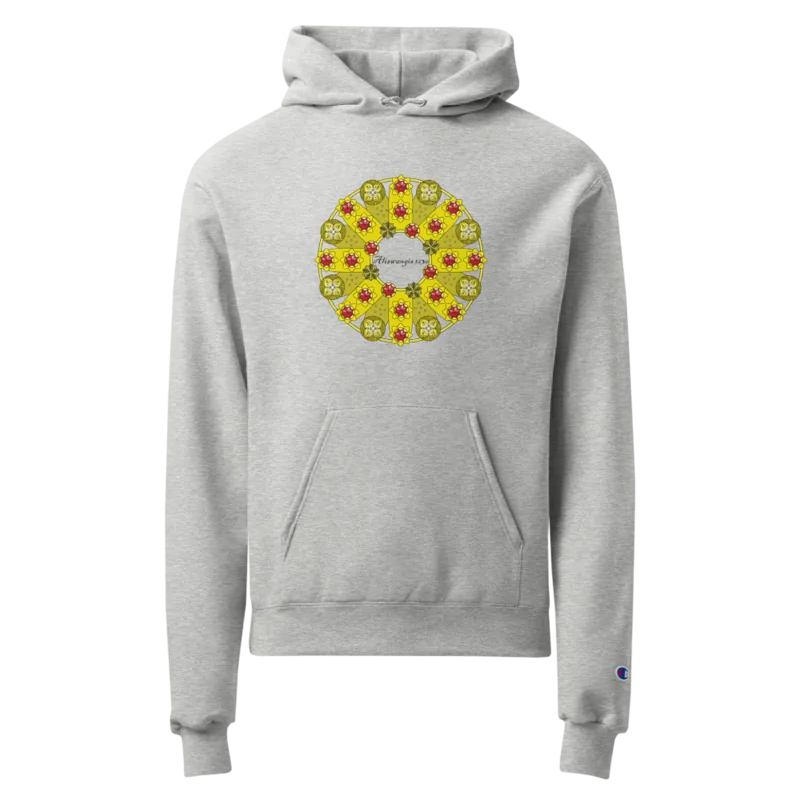
The graphic design is applied to create a product – in this case, a hoodie. This is not an actual product photograph, but only a mockup.

Photography

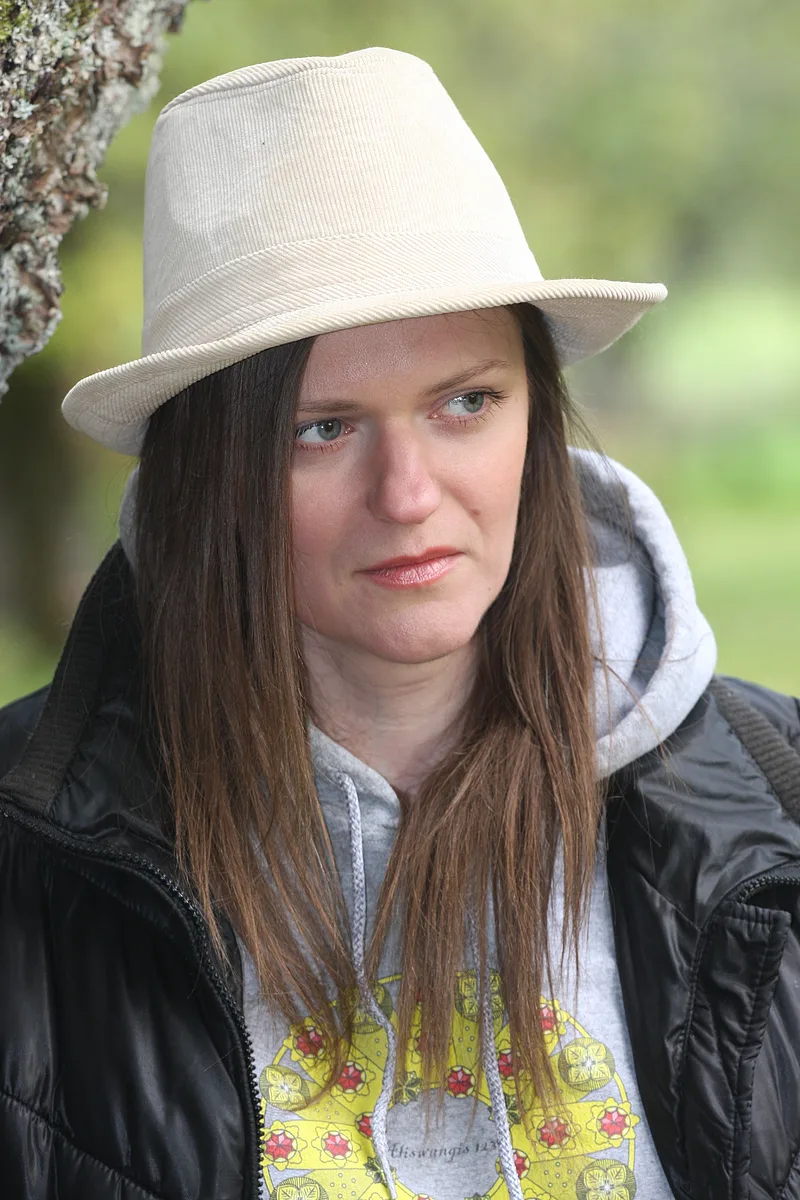
An actual photograph of the physical product.

Visualisation

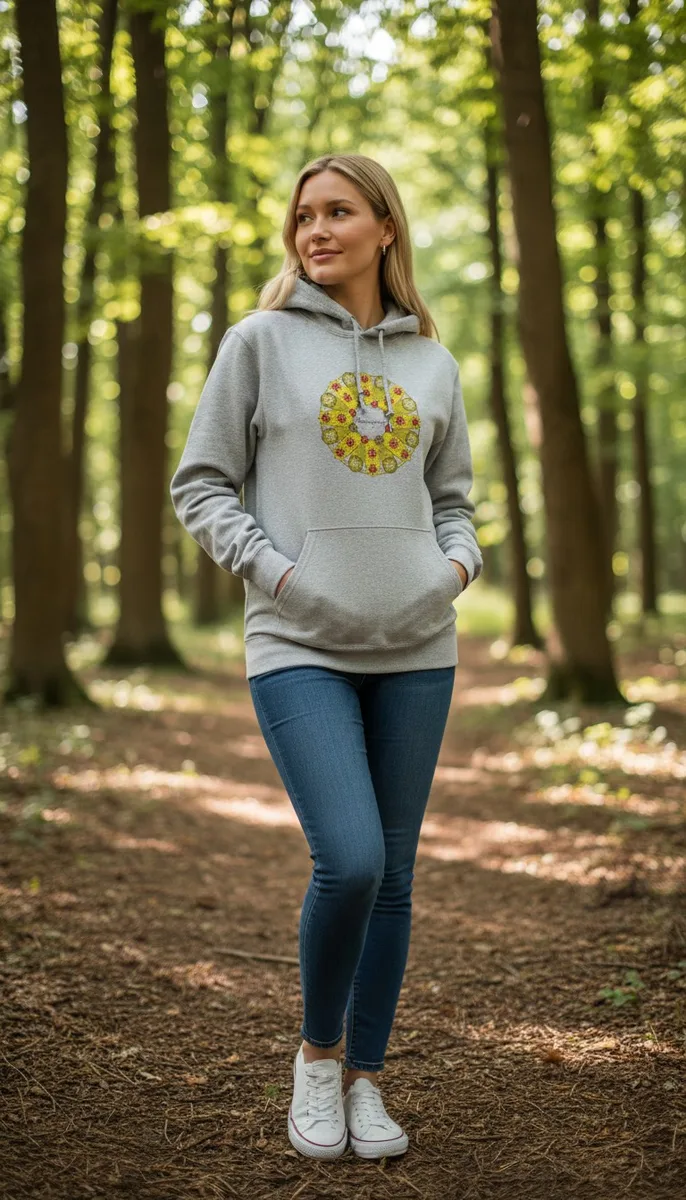
An AI-generated product image created using a combination of the actual product photograph, the mockup, and the graphic design.

Video Generation

A simple AI-generated video created using a photograph.

Video Generation

An AI-generated video created using a previously produced visualisation, enhanced with a model's voiceover and a product demonstration.

Photography

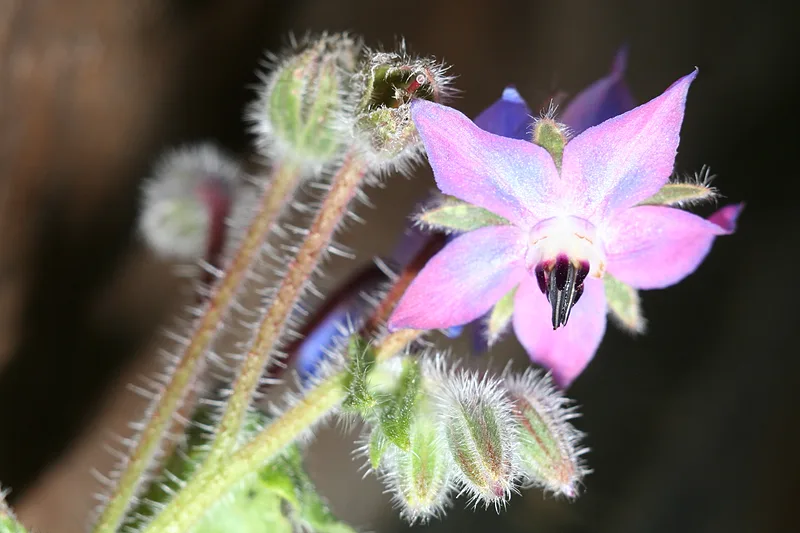
The original photograph used as the basis for creating the digital graphic design.

Graphic Image

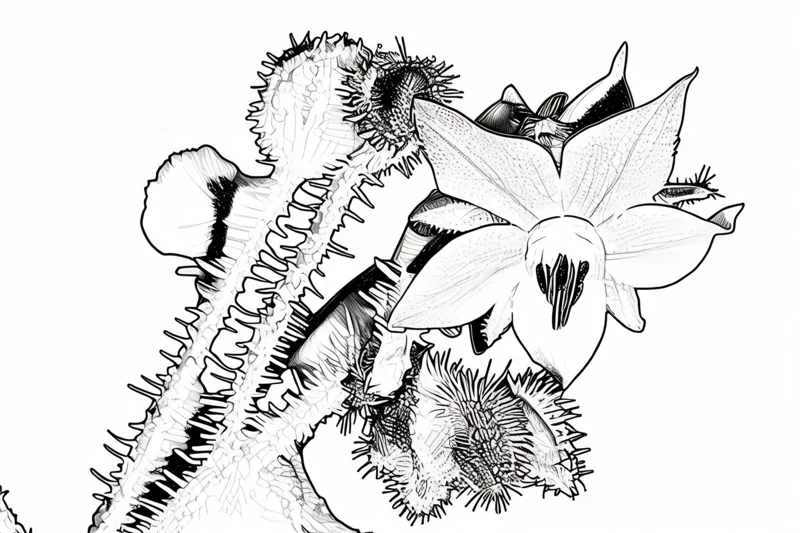
A graphic image generated using AI software.

Vector Graphics

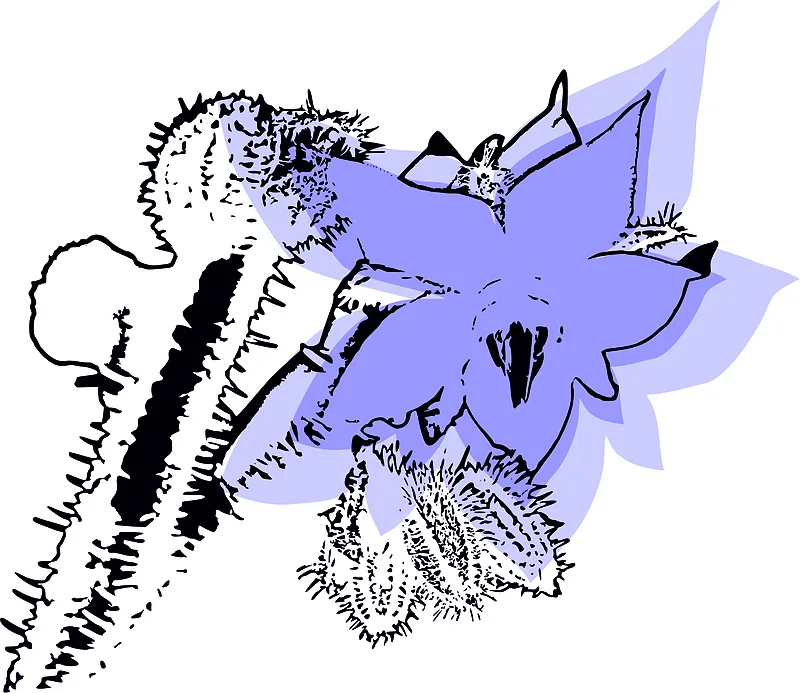
The graphic image is converted into a vector graphics file (.svg) using AI software, which can then be further edited in CorelDRAW.

Background Pattern

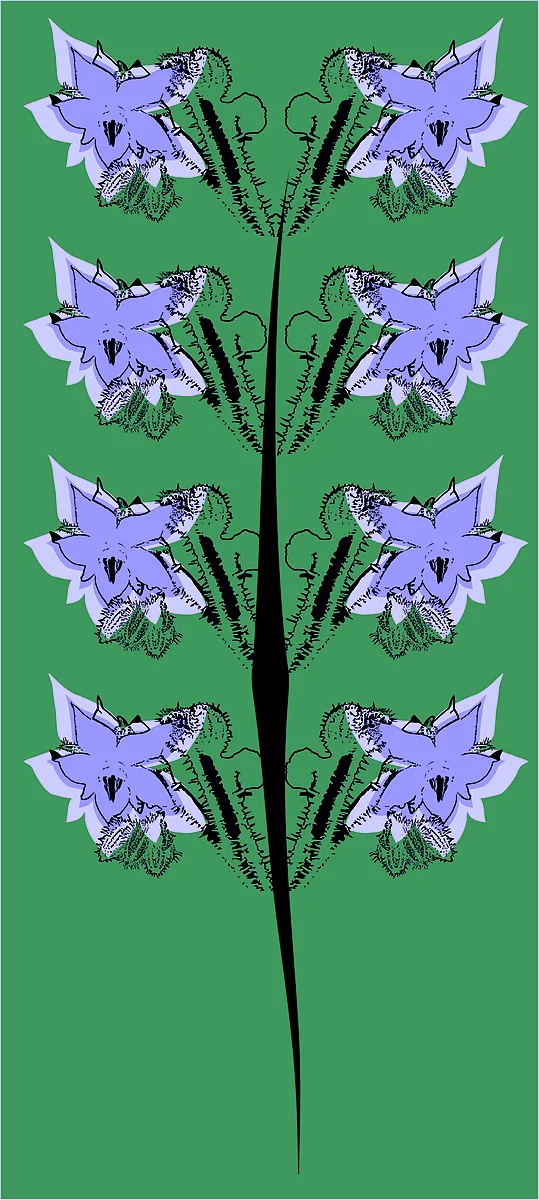
A background pattern created in CorelDRAW using the previously generated vector graphics file.

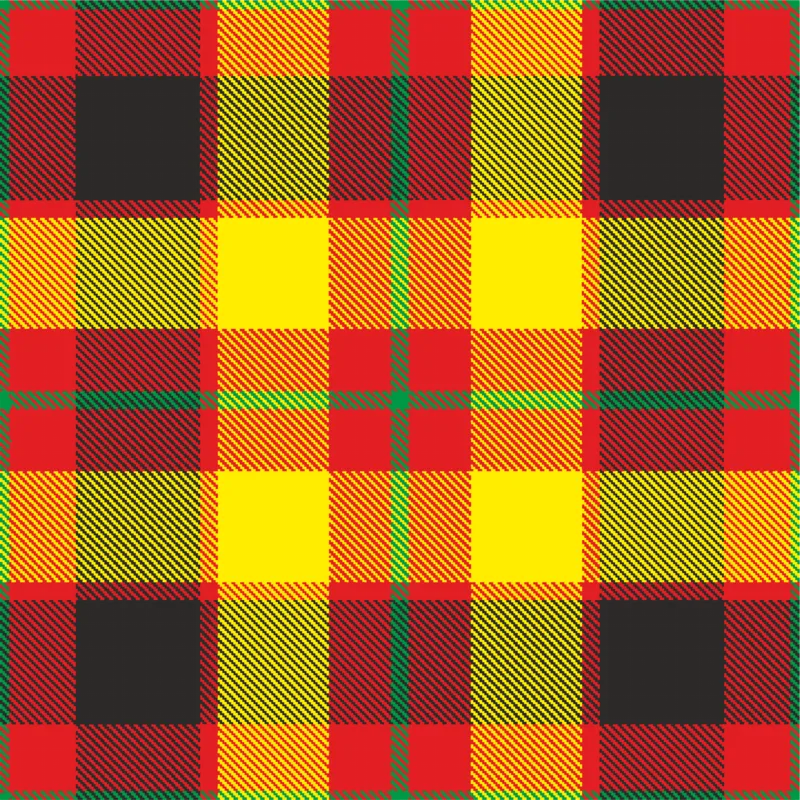
Digital Graphic Design

A graphic design created in CorelDRAW, which can be used to develop a seamless repeating pattern.

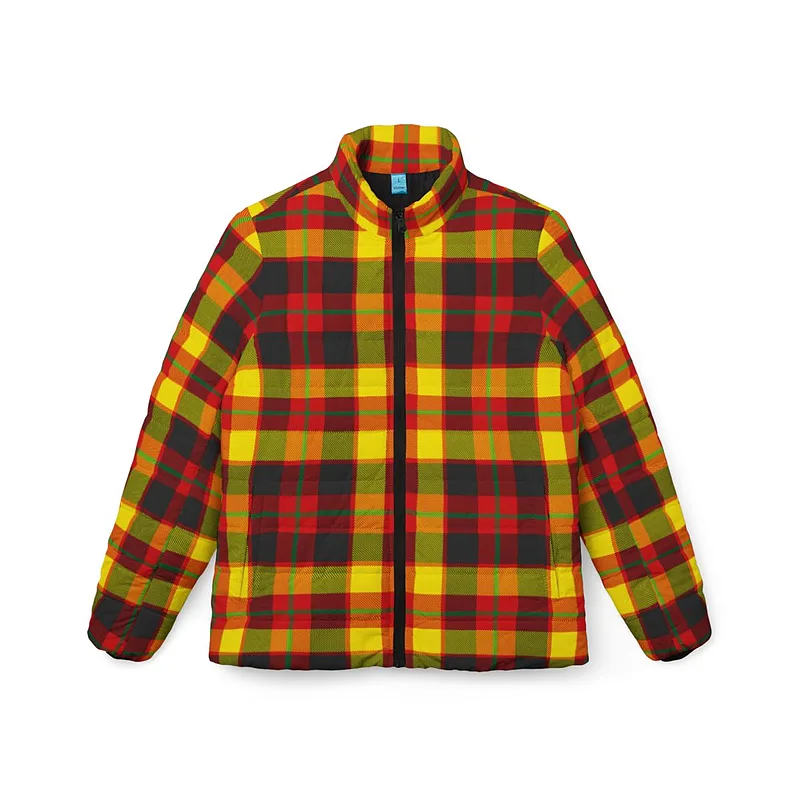
Product Creation

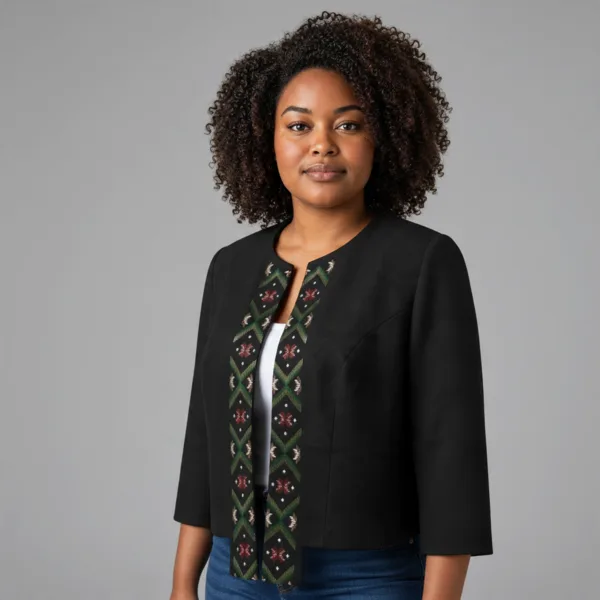
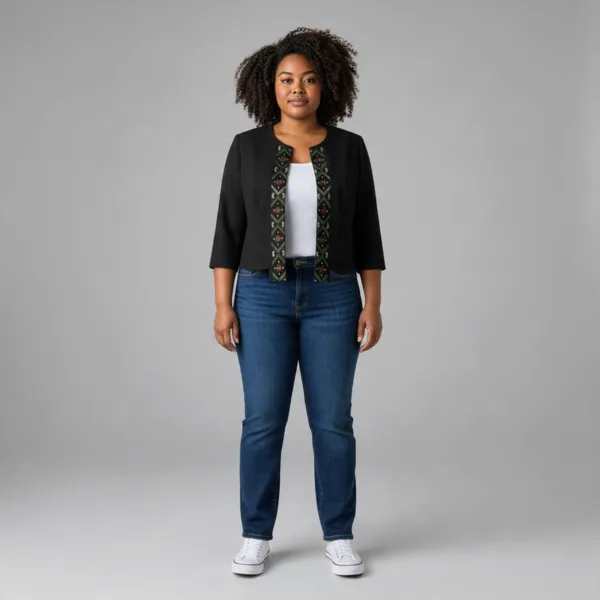
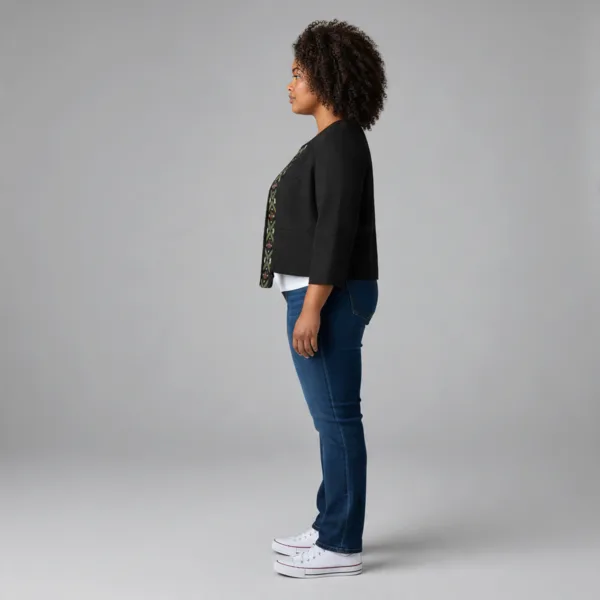
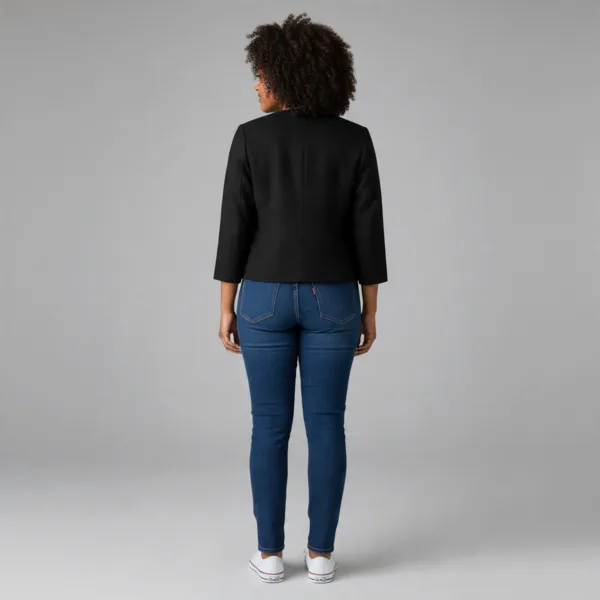
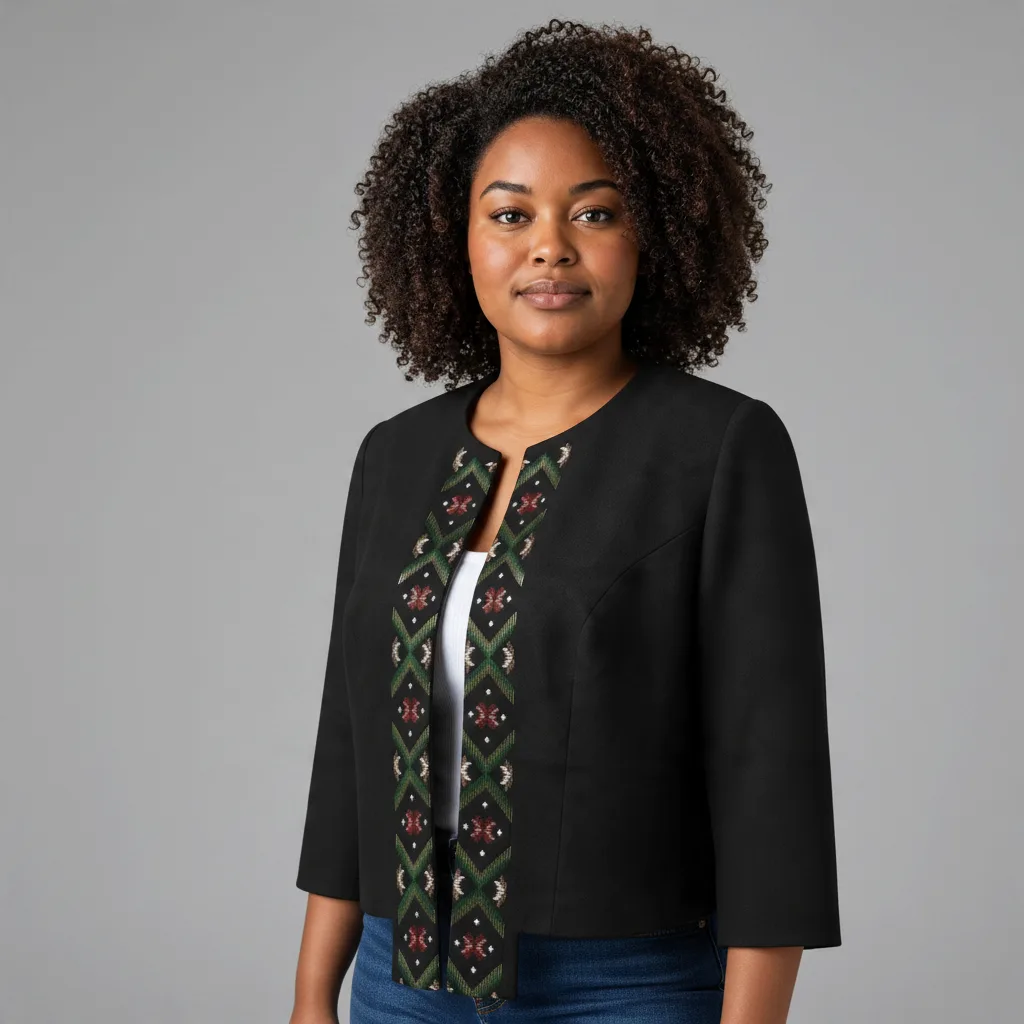
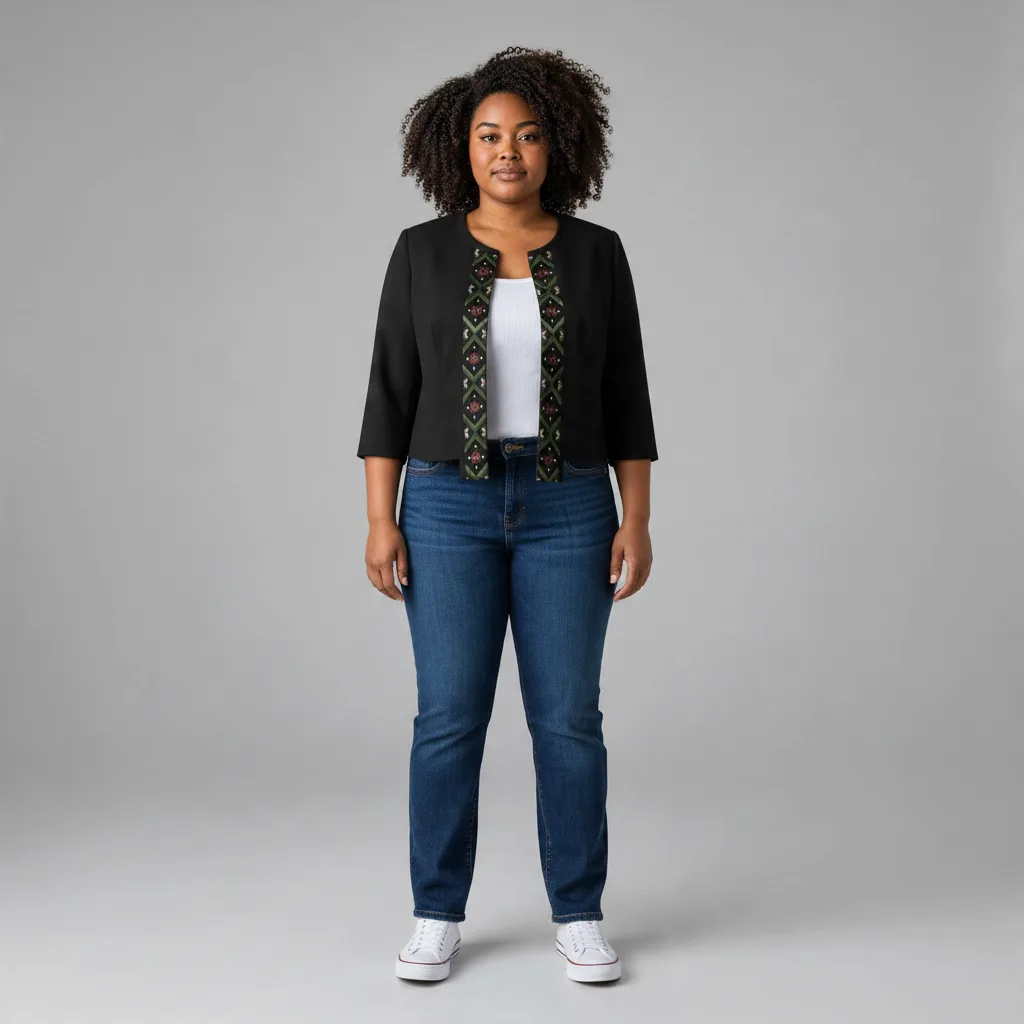
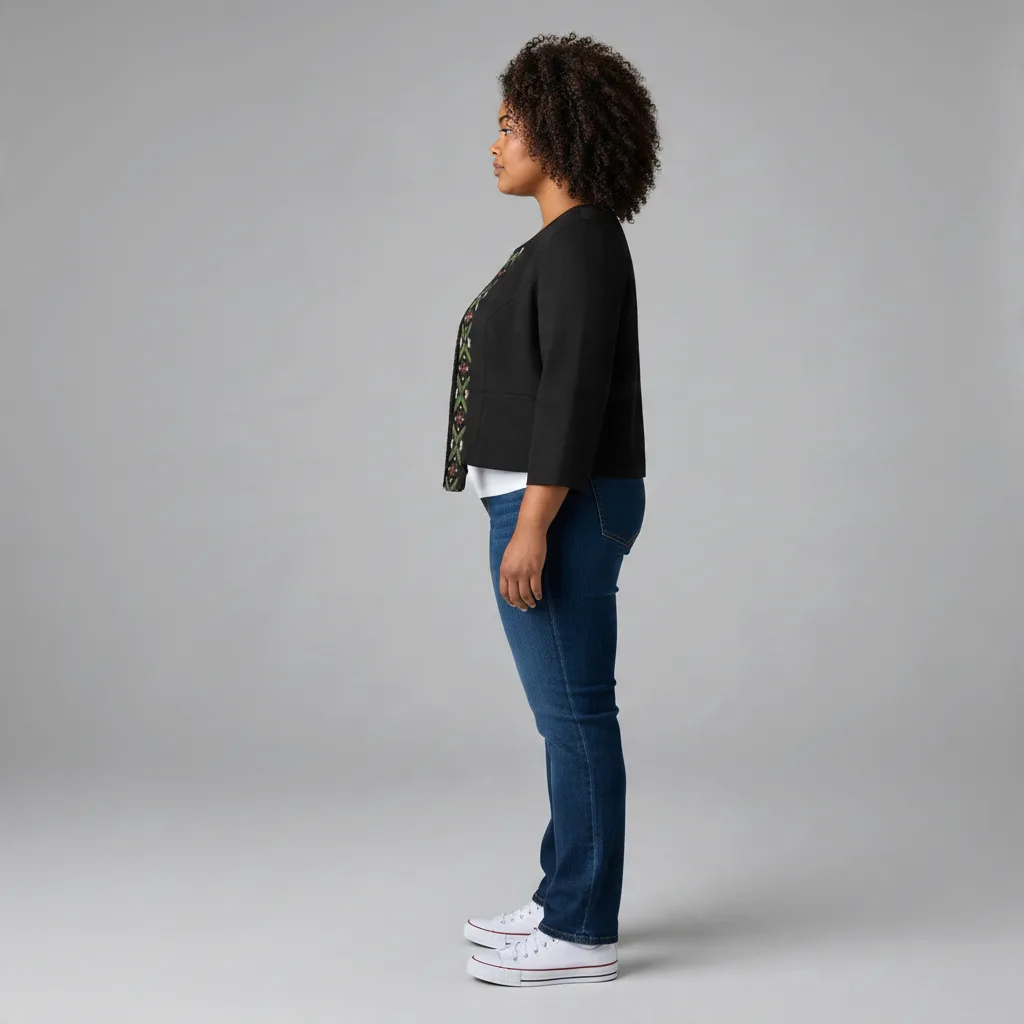
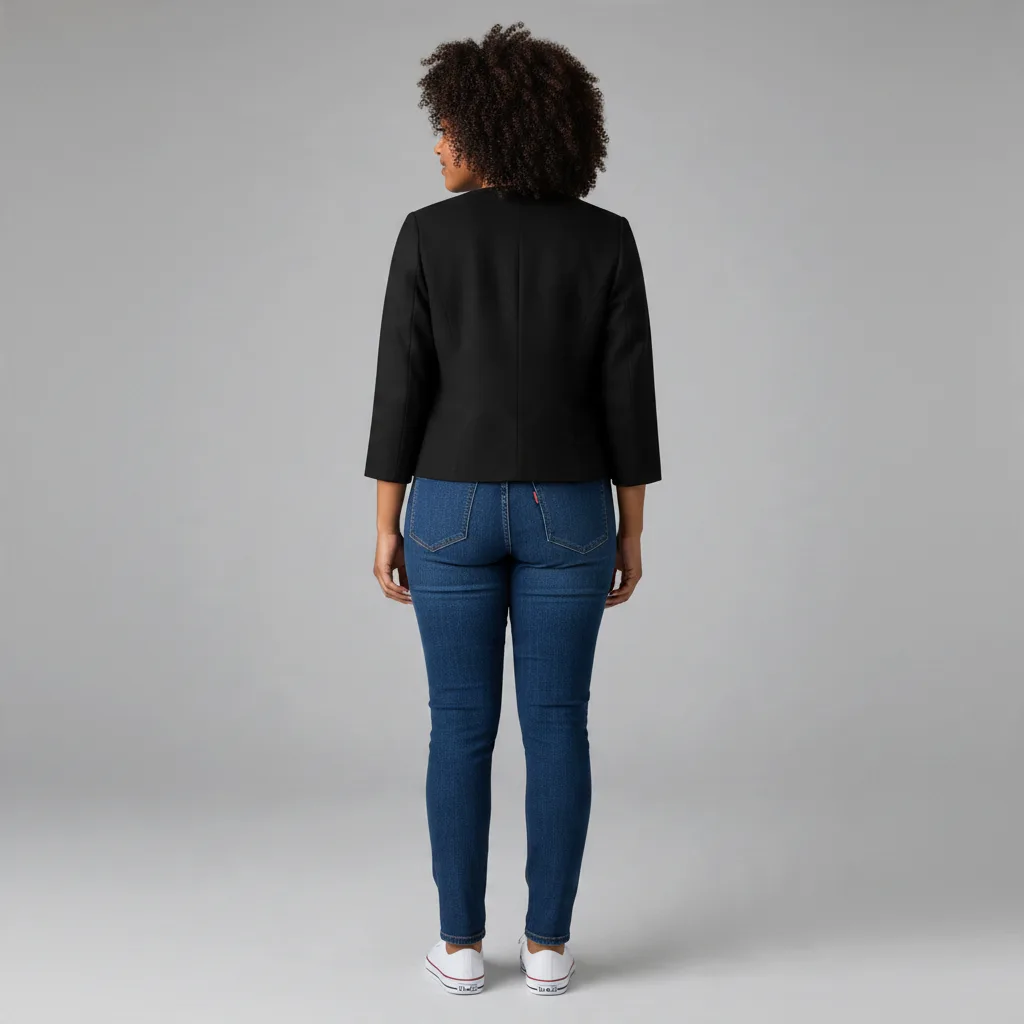
The graphic design is transformed into a repeating pattern used for fabric printing. The finished design is then applied to create a product – in this case, a winter jacket. This is not an actual product photograph, but only a mockup.

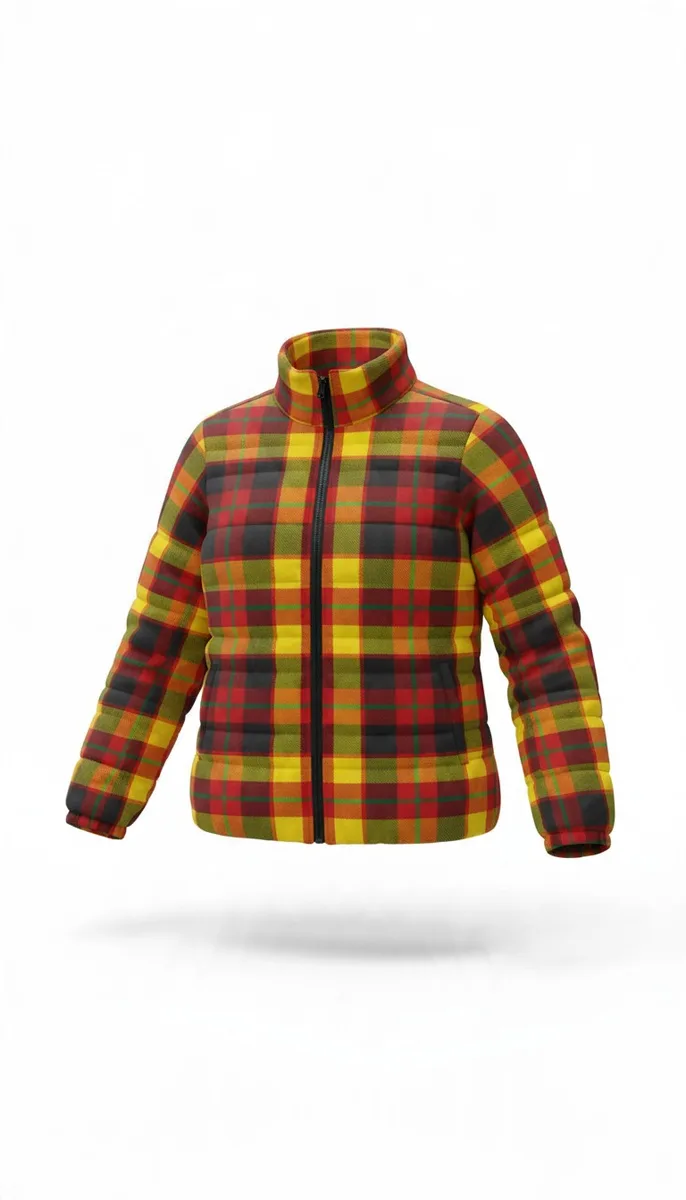
Ghost Mannequin

An AI-generated product image created using only the mockup, without an actual photograph of the physical product.

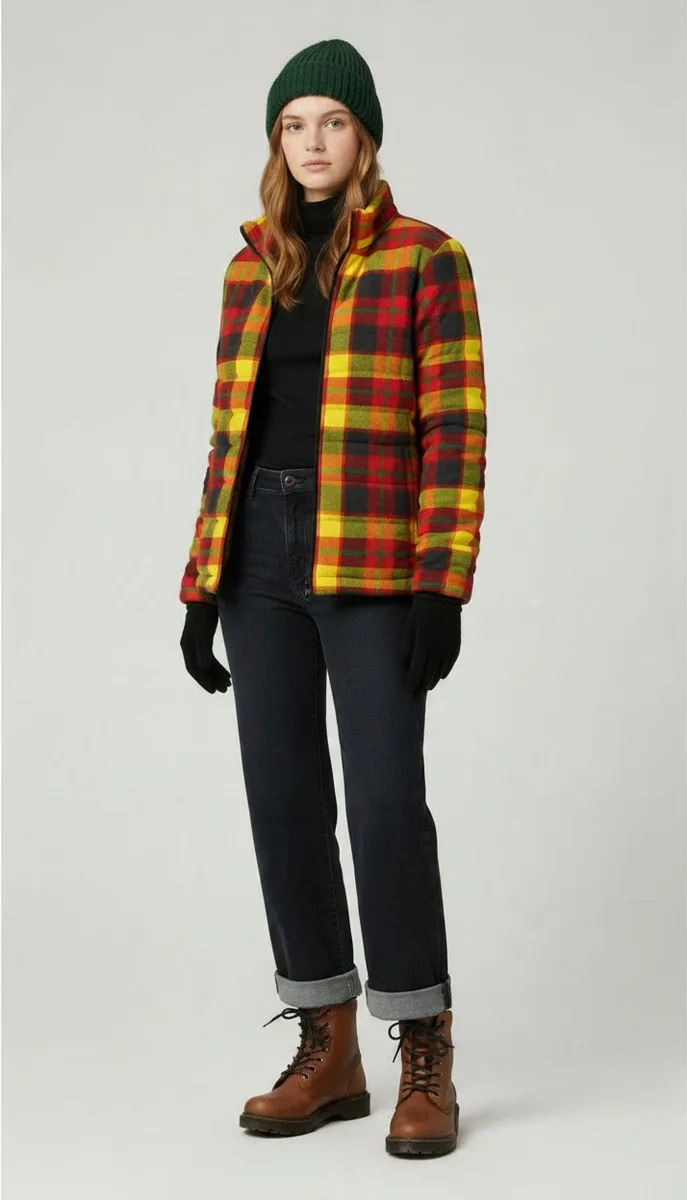
Visualisation

An AI-generated product image created using only the mockup, without an actual photograph of the physical product.

Finished Product Visualisations

Using artificial intelligence (AI) tools, various types of visualisations can be created from photographs of finished products:

1. Clothing

  • Invisible mannequin effect (ghost mannequin)

  • Flat lay presentation

  • Background replacement

  • Clothing displayed on a model (studio-style or lifestyle picture), shown from different angles

  • Video generation

2. Other Products

  • Background replacement

  • Visualisations in different interior styles, indoor settings, or outdoor environments

  • Video generation

3. Food

  • Background replacement

  • Plate replacement

  • Visualisations in different interior settings

  • Video generation

Clothing Visualisations

 Visualisation from a Flat Lay Garment 

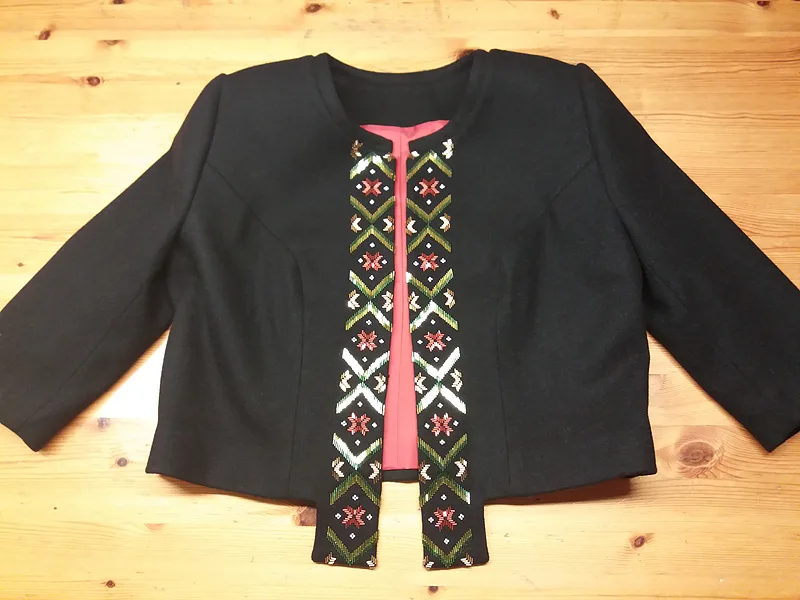
Photography

The original product photograph used for editing. The garment is simply laid out on a table (flat lay).

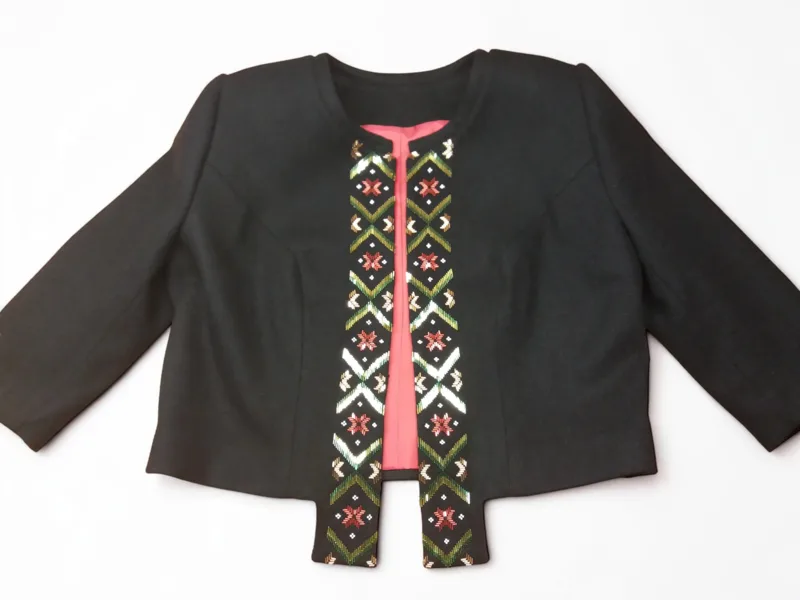
Background Replacement

The background of the original product photograph has been replaced.

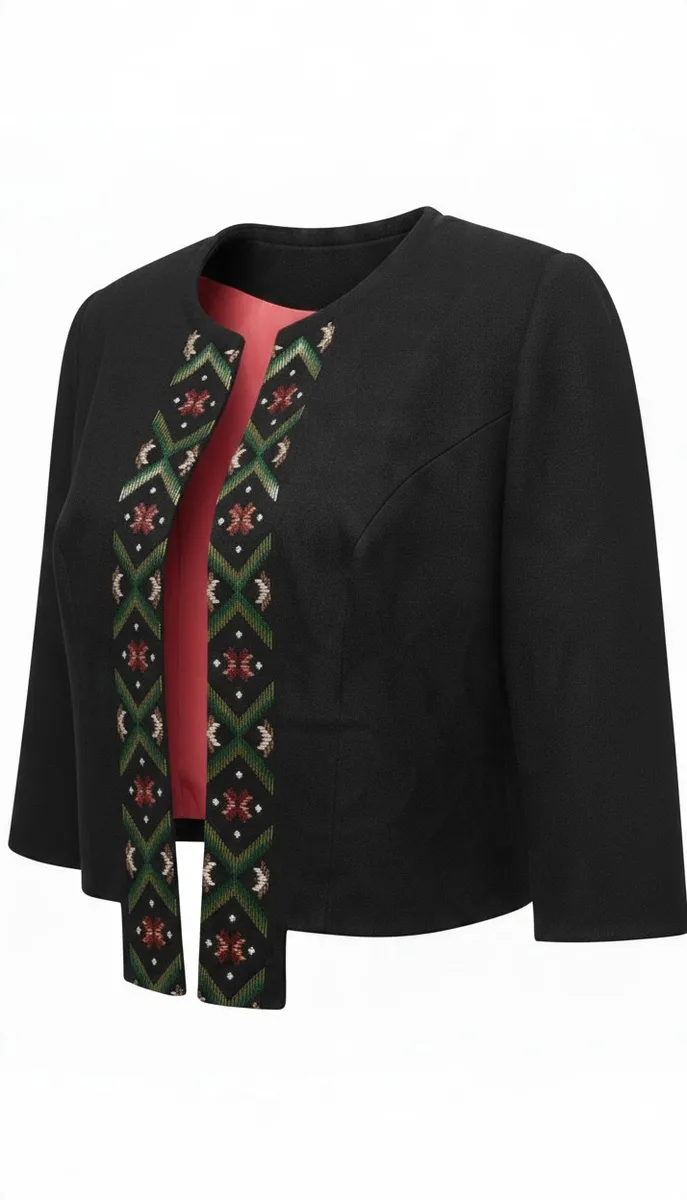
Ghost Mannequin

A 3D-style image created from the photograph using the invisible mannequin effect.

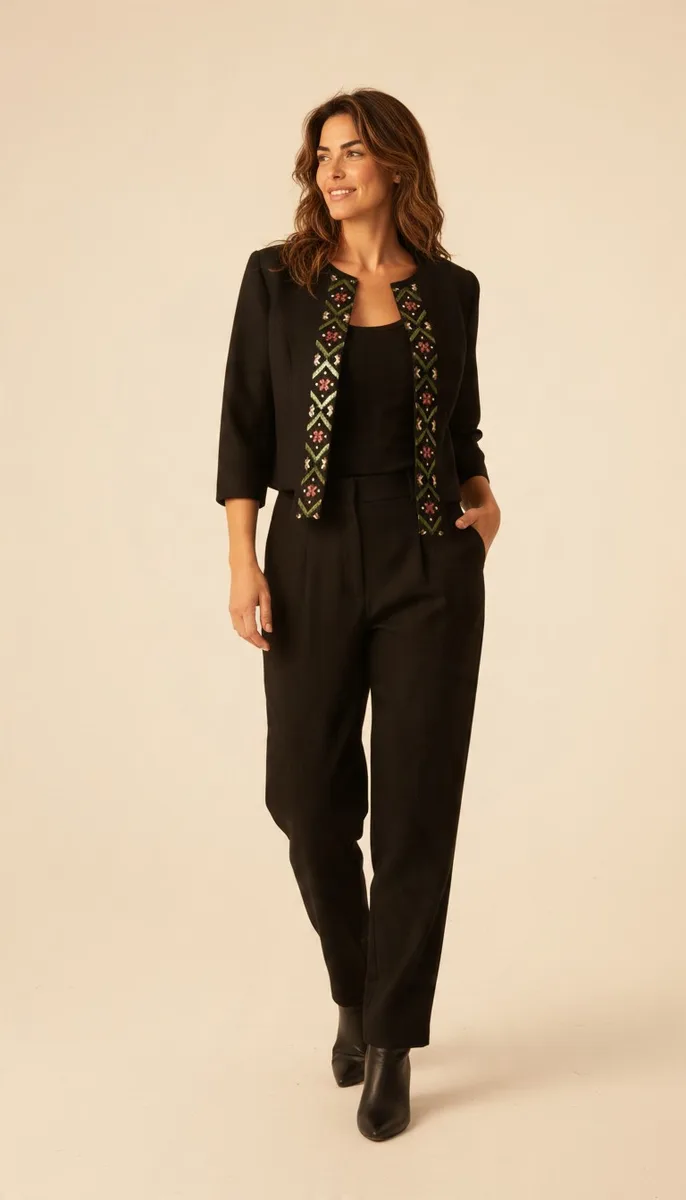
Visualisation

An AI-generated product image showing the garment on a model, using the actual photograph of the physical product.

Video Generation

An AI-generated video created using a previously produced visualisation, enhanced with music and a product demonstration.

Visualisation from a Garment Displayed on a Mannequin

Photography

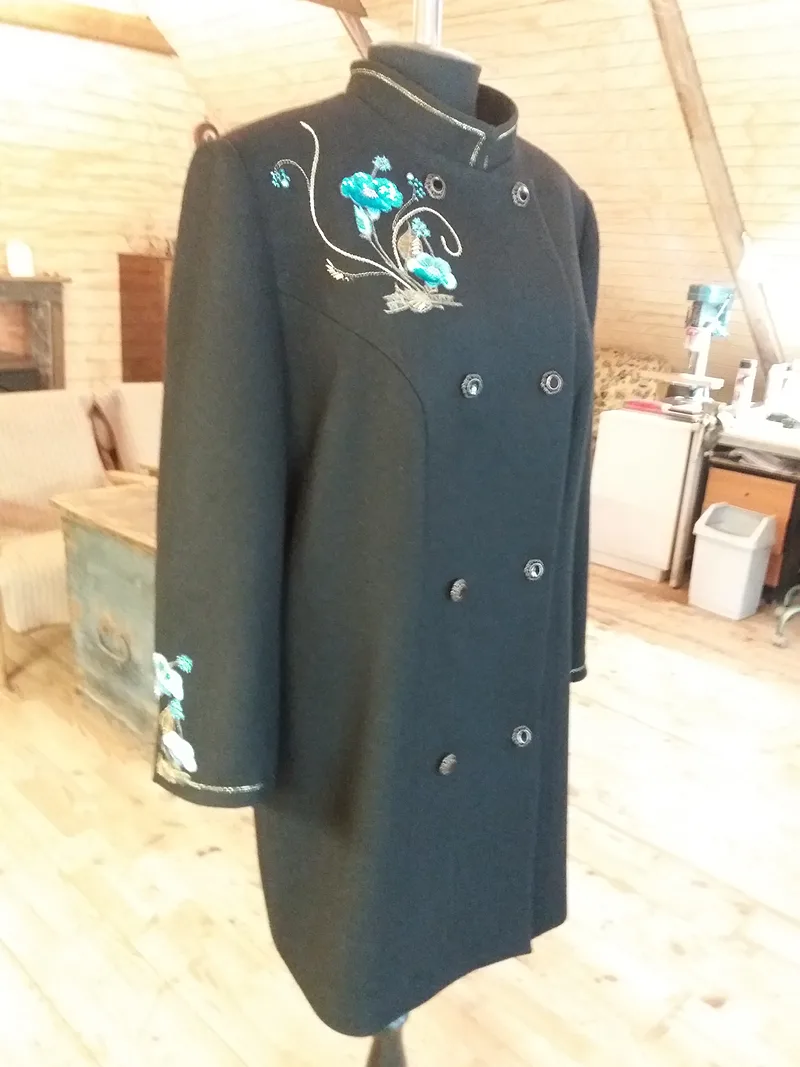
The original photograph used for editing, showing the garment displayed on a mannequin.

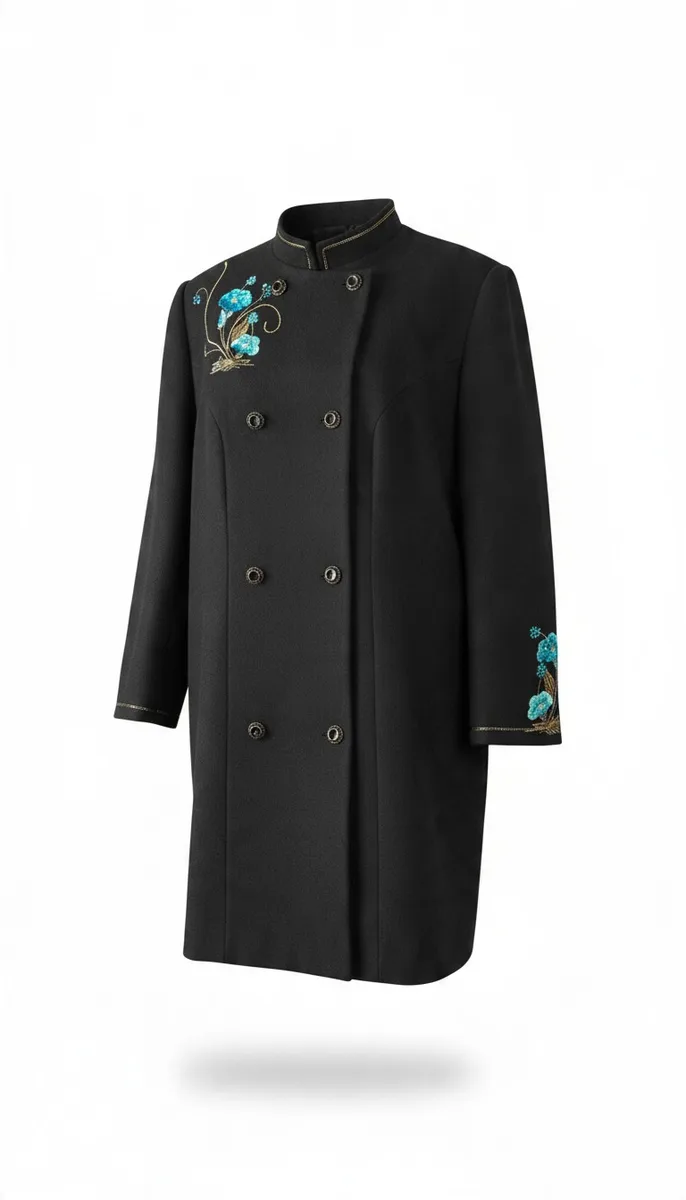
Ghost Mannequin

A 3D-style image created from the photograph using the invisible mannequin effect.

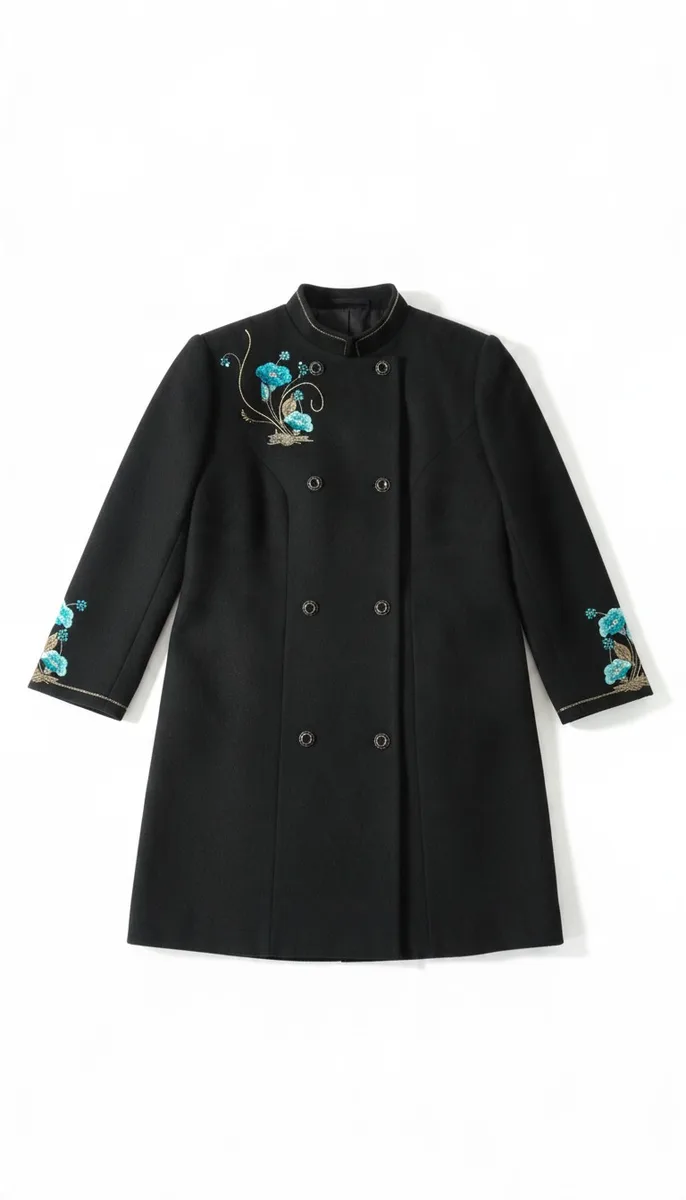
Flat Lay

A flat lay image generated from the original photograph of the garment displayed on a mannequin, using AI software.

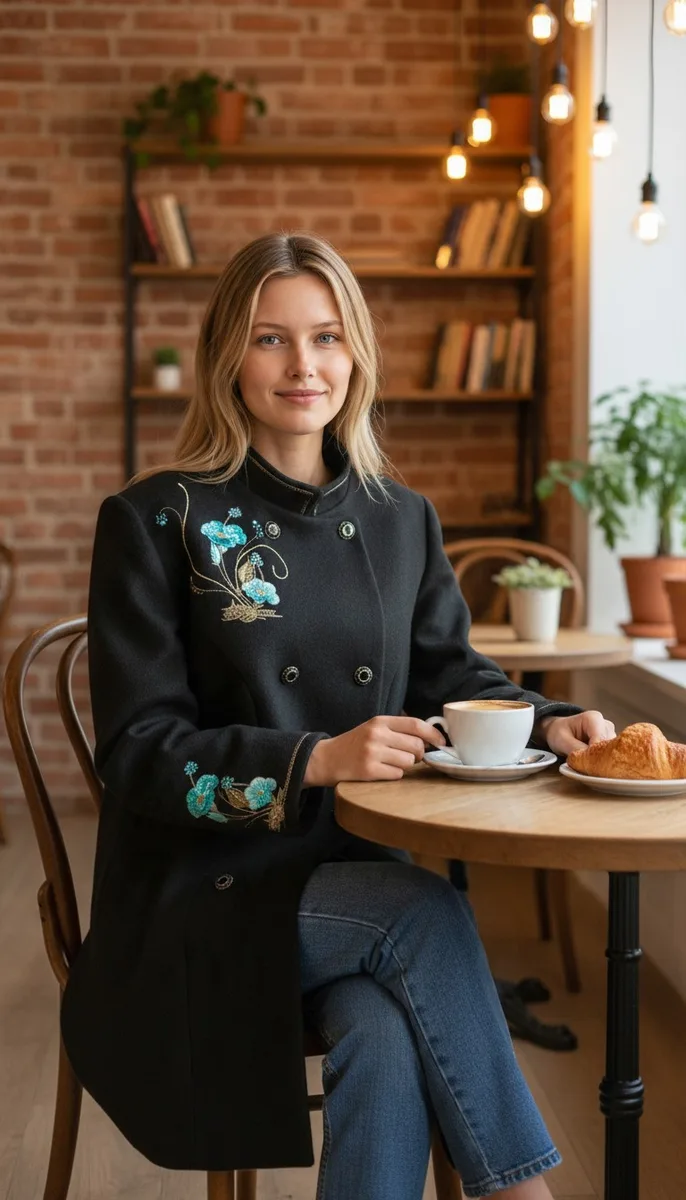
Visualisation

An AI-generated product image showing the garment on a model, using the actual photograph of the physical product.

Food Visualisations

The following options are available when editing food photography:

  • Isolating the food together with its original dish from the background and replacing the background without changing the camera angle. This approach preserves the original image as much as possible, minimising the risk of AI altering colours, proportions, and other details.

  • Placing the food in a different interior setting while keeping the original dishes.

  • Replacing both the dishes and the interior setting.

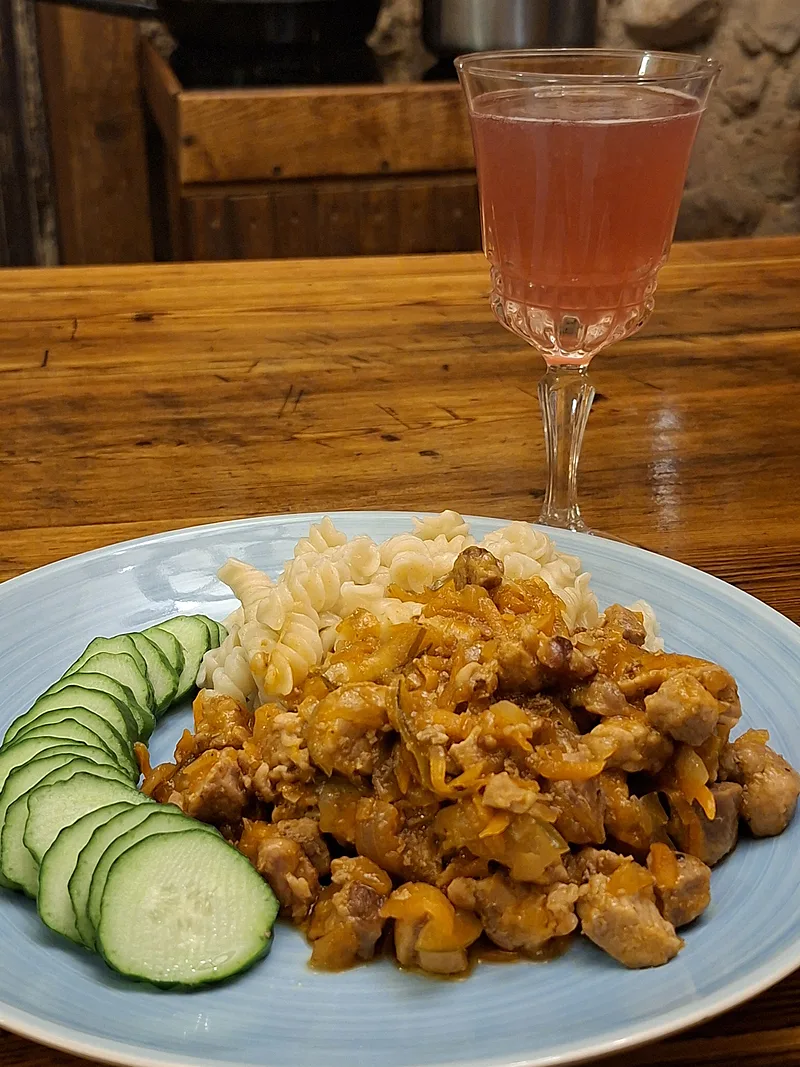
Photography

The original food photograph used for editing.

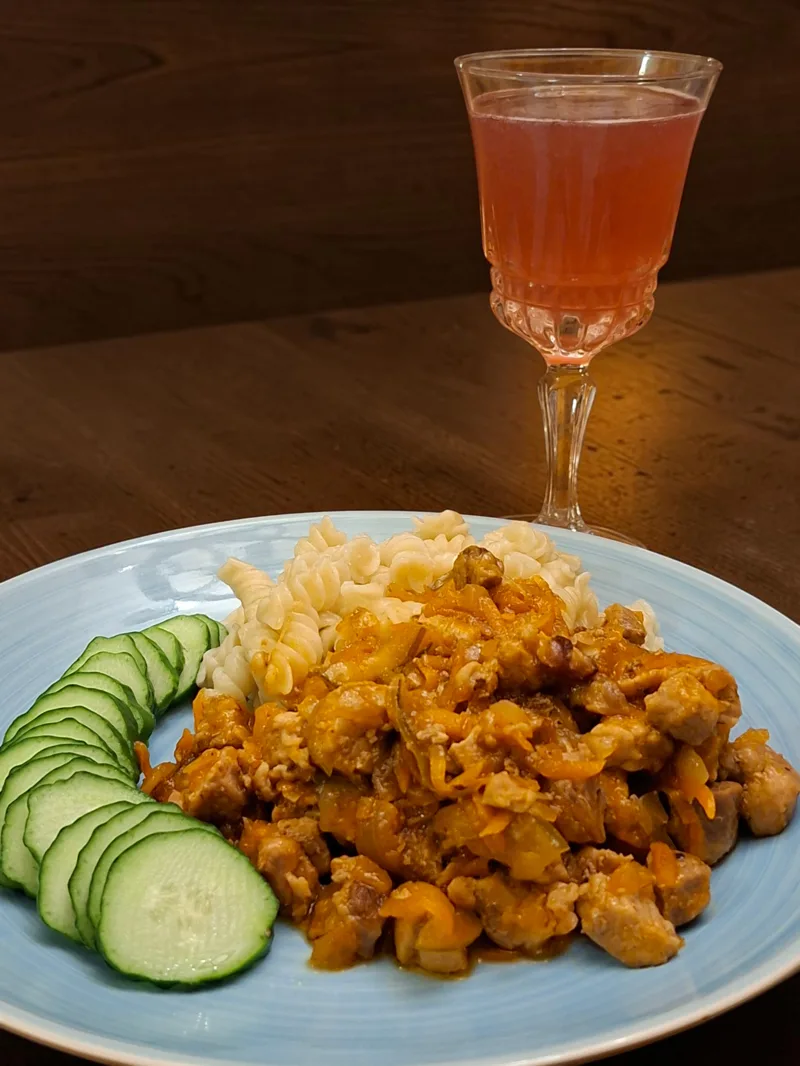
Background Replacement

The background of the original food photograph has been replaced.

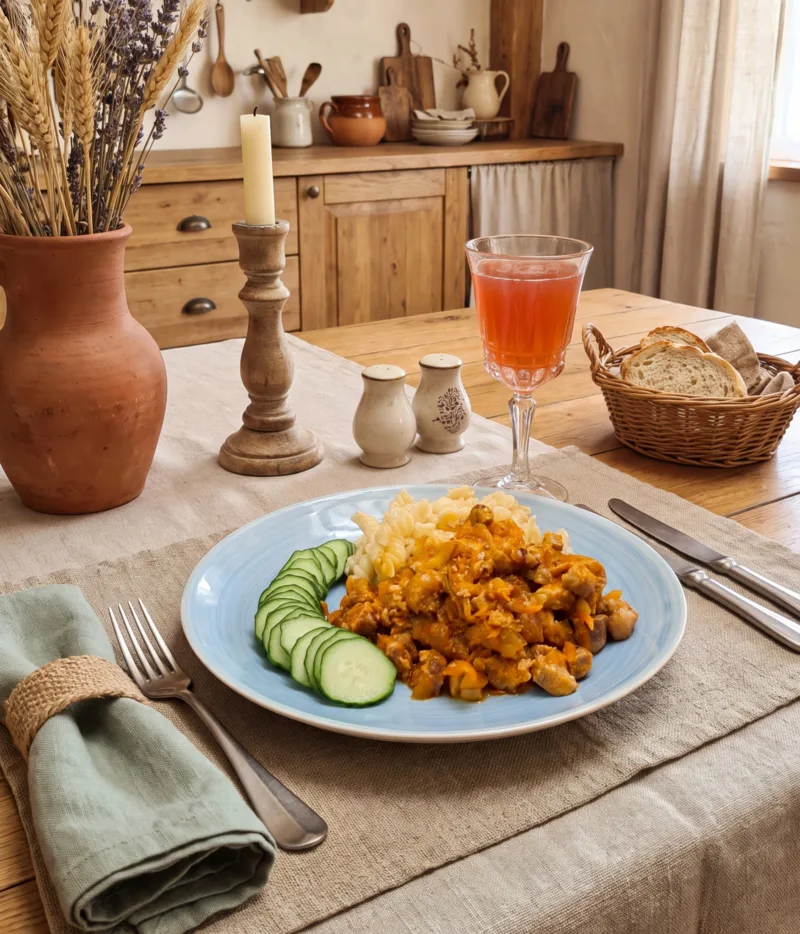
Visualisation

An AI-generated image of the food in an interior setting, with the original dishes preserved.

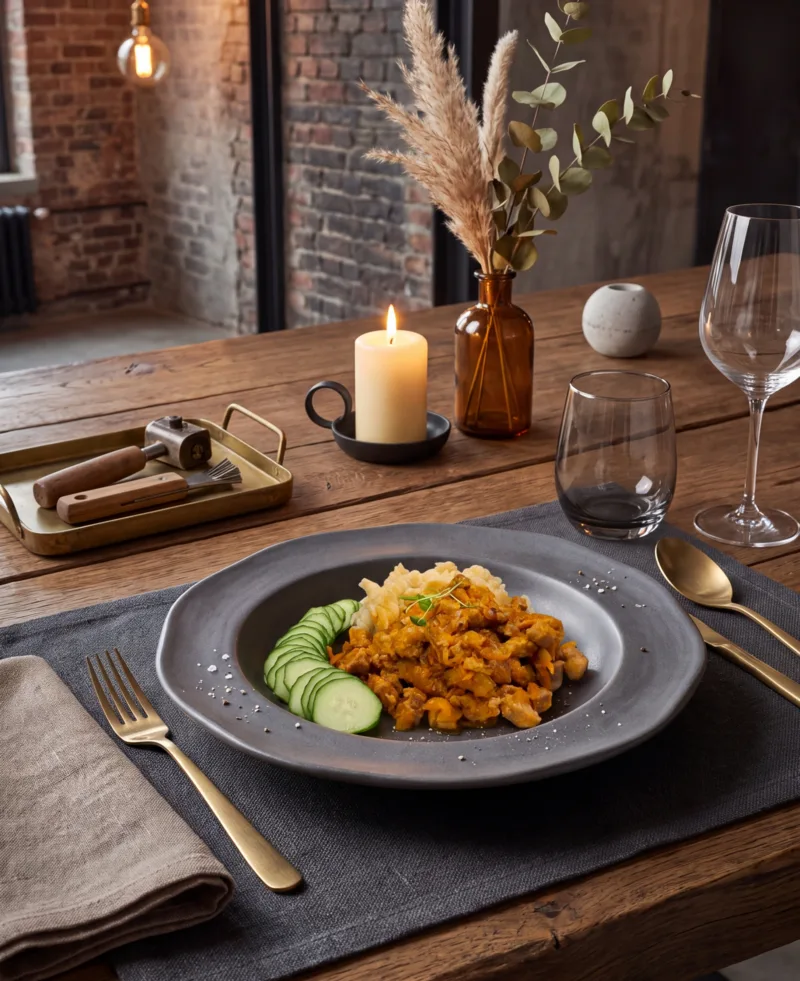
Visualisation

An AI-generated image of the food in an interior setting, with the dishes replaced as well.

Video Generation

A simple AI-generated video created using a visualisation.

Static Product Visualisations

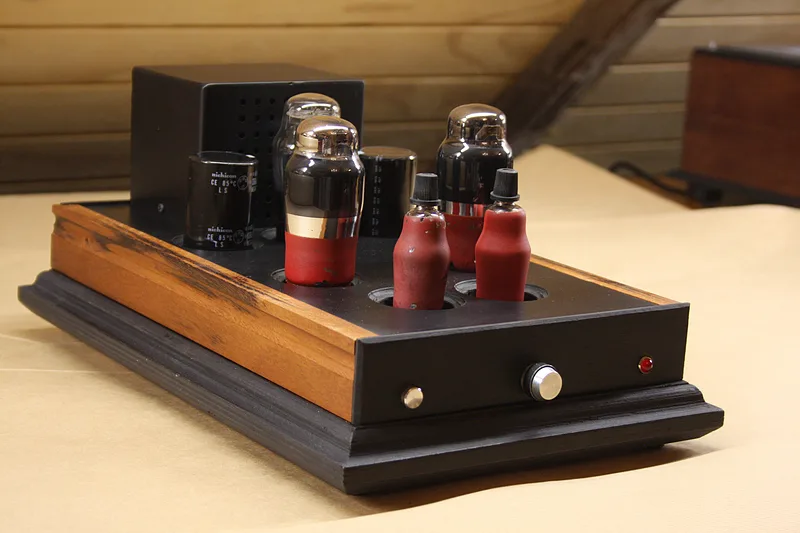
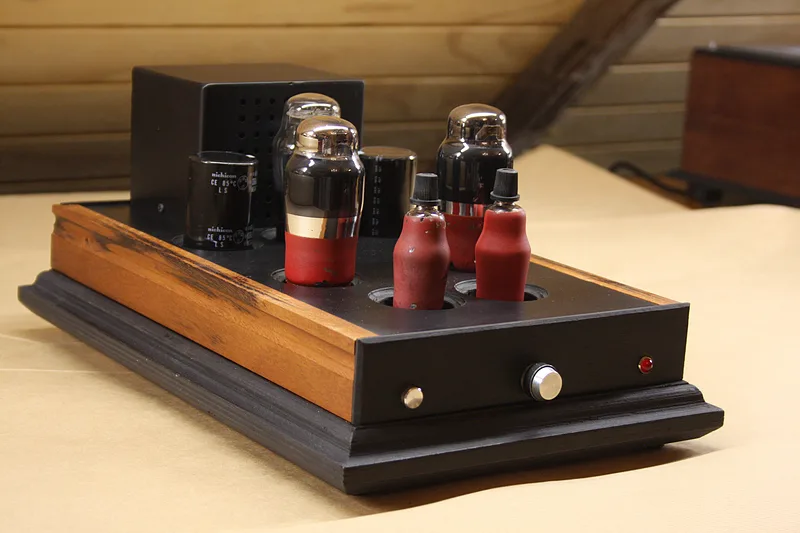
Photography

The original photograph of the tube amplifier used for editing.

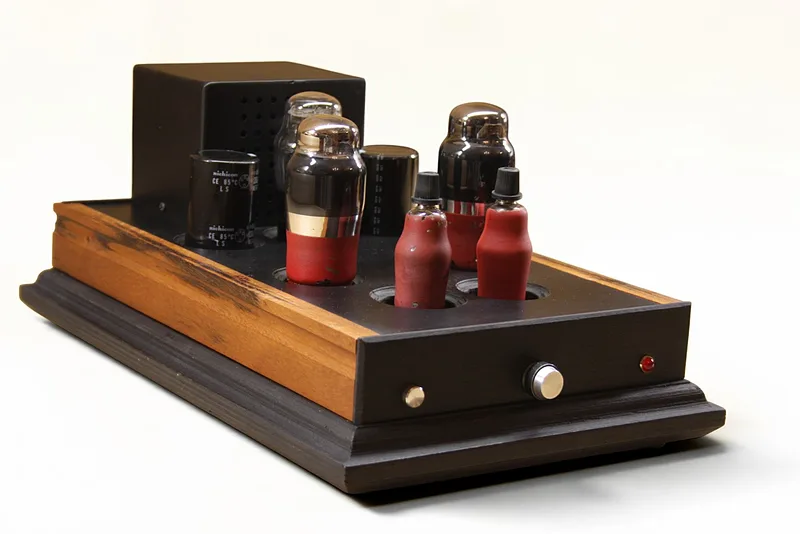
Background Replacement

The background of the tube amplifier photograph has been replaced with a solid-colour background.

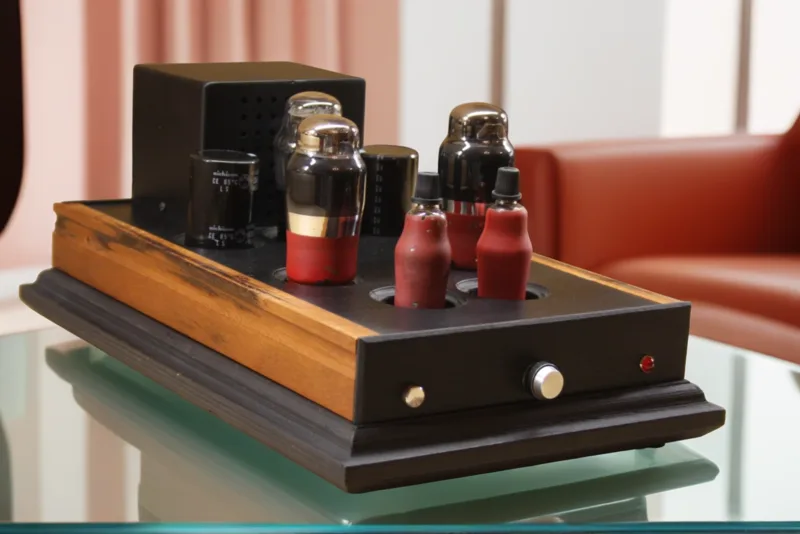
Background Replacement

The background of the tube amplifier photograph has been replaced with a different interior setting.

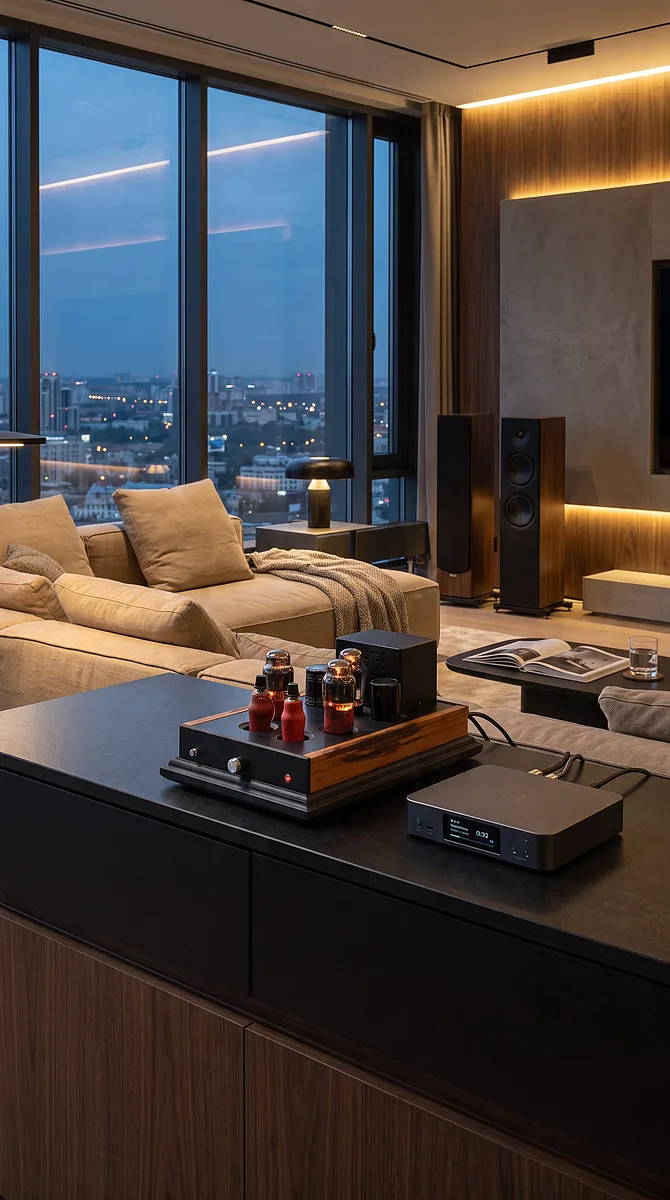
Visualisation

An AI-generated visualisation of the tube amplifier in a modern penthouse interior.

Tube Amplifier Video Generation
The video was generated using multiple photographs of the tube amplifier taken from different angles.
Advertising

I create most advertising materials with the help of artificial intelligence (AI). The finished designs are intended for email campaigns, website content, and social media platforms.

As with the visualisations described above, any image can also be turned into a video using AI video generation tools.
Photography

The original photograph of the tube amplifier used for editing.
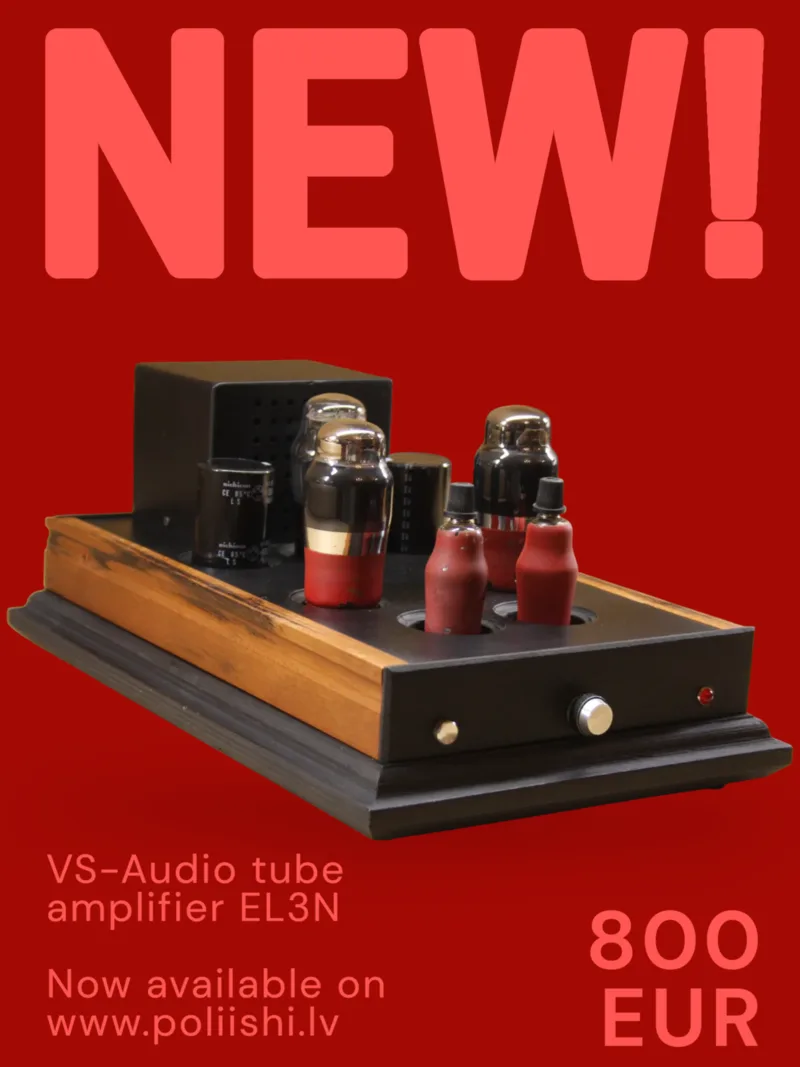
Background Replacement

The photograph's background has been replaced with a template, and text elements have been added.

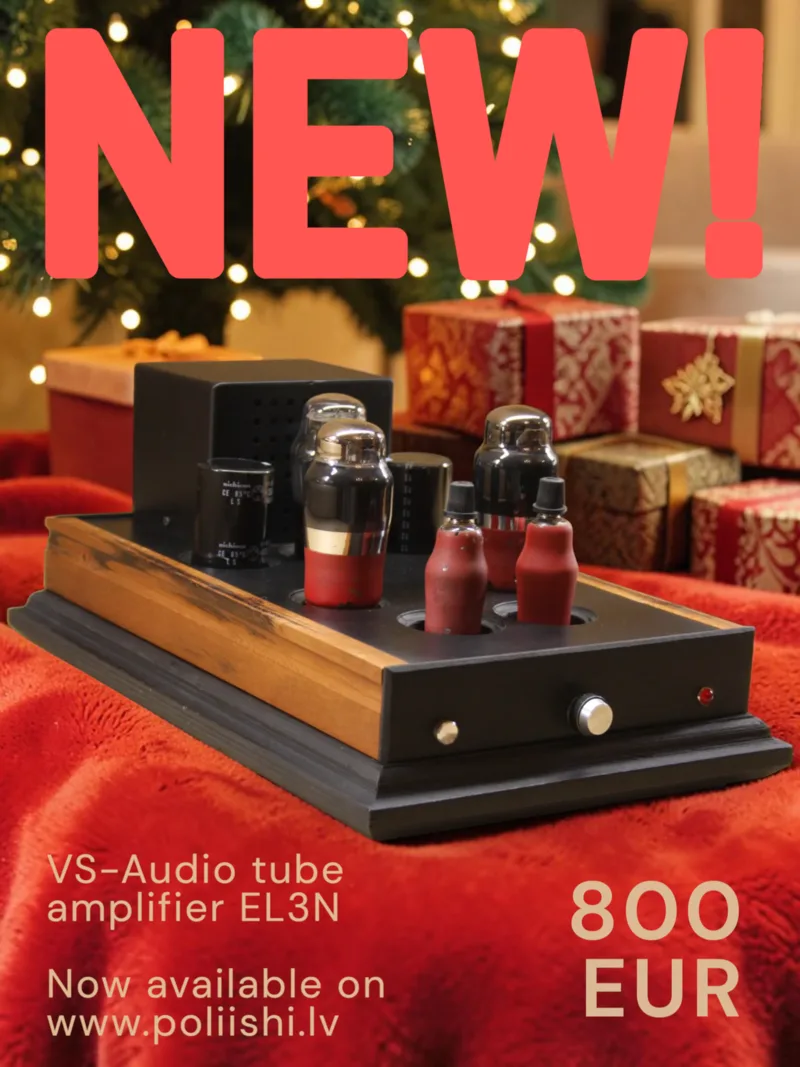
Background Replacement

The photograph's background has been replaced by integrating the object into a new environment, with additional text elements.

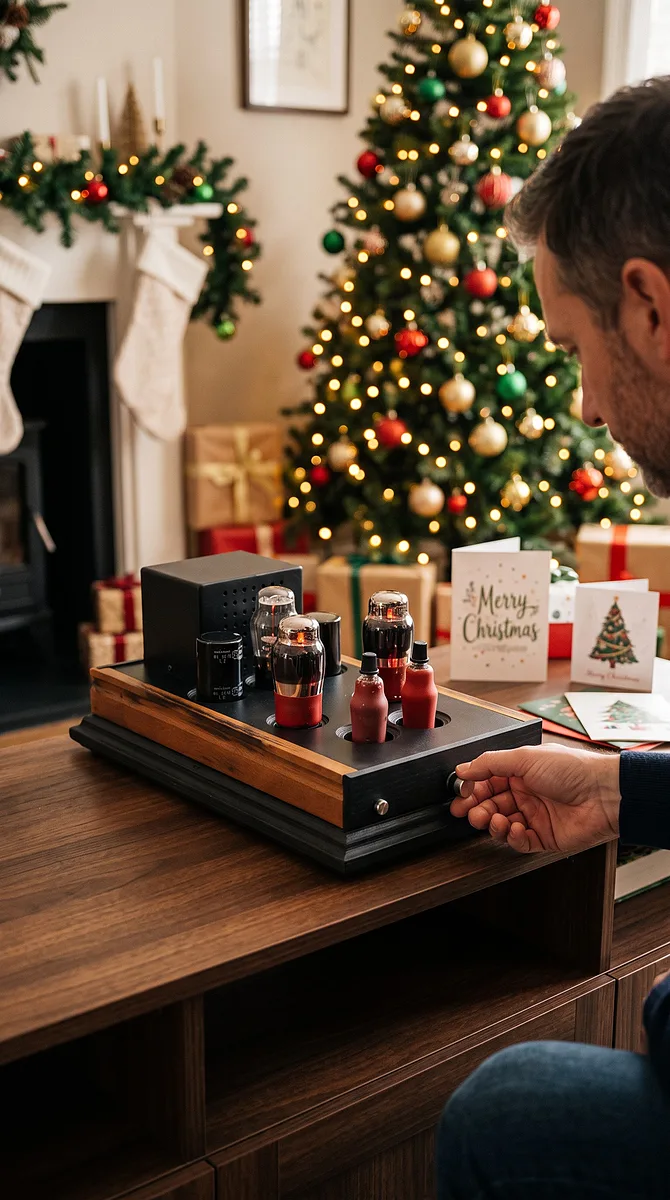
Product Visualisation

An AI-generated visualisation of the tube amplifier in a Christmas-themed setting.

AI-Generated Advertising Video

An AI-generated promotional video created using a previously designed image.